Login Problems at Coral Vault: How a Support Case Moves
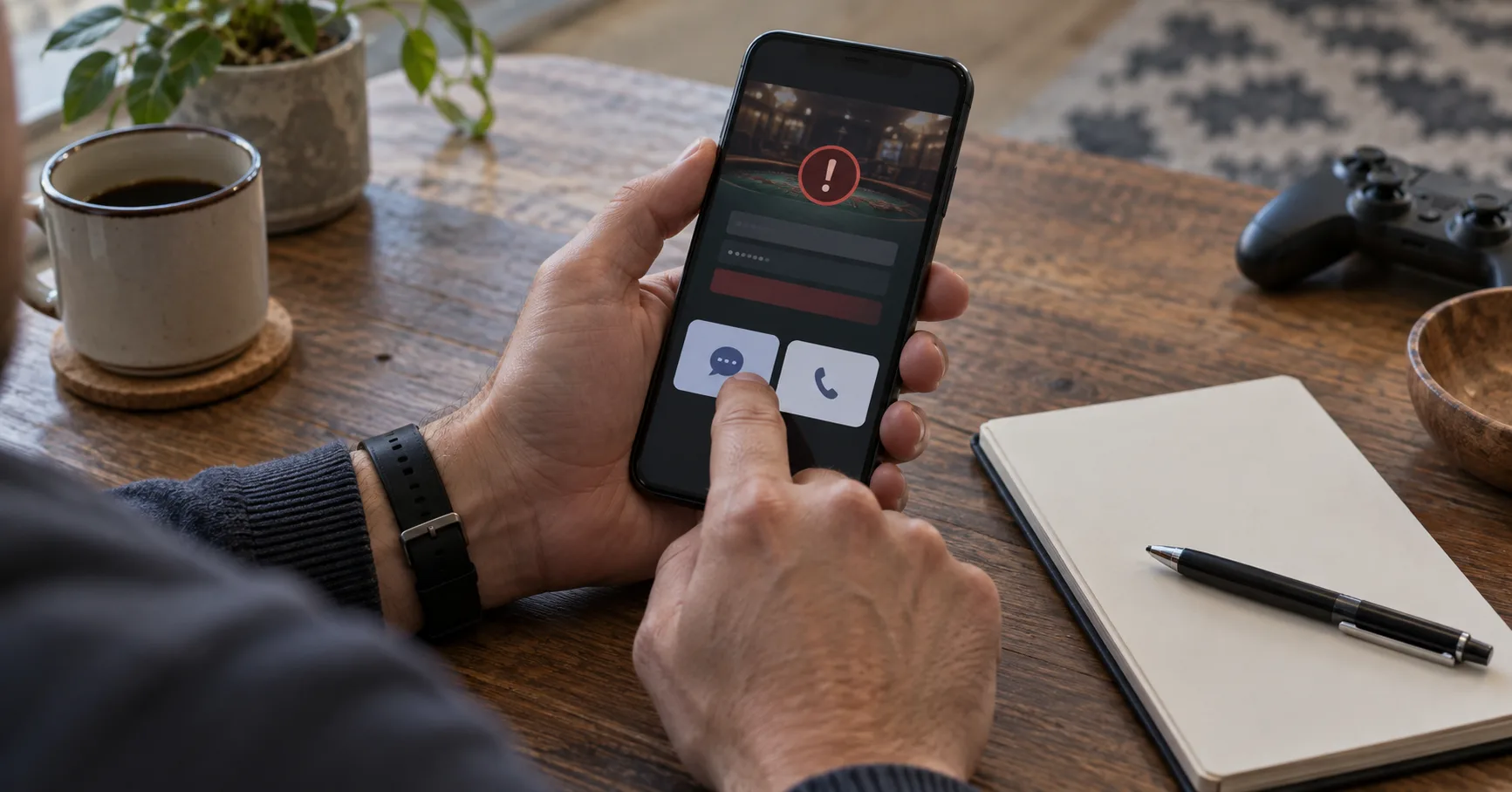
Hypothetical example: You have PHP 500 for a session: PHP 300 sits in your account, and PHP 200 remains outside it. The Login page rejects your password, so you cannot reach 60% of that budget: PHP 300 divided by PHP 500. Adding the remaining PHP 200 would put the entire PHP 500 behind the same access problem. That arithmetic does not diagnose the error, but it explains why a small-budget player should resolve access before adding funds.
A useful support request does more than say “Login failed.” It gives the support team enough information to identify the account, reproduce the failure, and decide whether a routine reset or a closer review is needed. The channel you choose affects how quickly you can exchange details; the evidence you send affects whether the reply can solve anything.
Identify the failure before choosing a queue
Support cannot act on every sign-in complaint in the same way. A rejected password, a missing one-time code, and a page that never loads point to different checks. Keep the description narrow enough that an agent can test the right condition.
If the password is rejected, record the exact stage where it fails and whether the account identifier is accepted.
If a one-time code does not arrive, check the contact method shown on the official page without sharing any code.
If the page stalls, note whether the same result occurs on another browser or connection before reporting it.
If the account opens but a GCash cash-in is missing, describe a payment issue rather than a Login failure.
If the account opens but a Withdrawal request remains unresolved, route that separate issue to payment support.
The last two distinctions prevent an access ticket from absorbing a different problem. They also help you avoid repeating the story to an agent who cannot investigate the relevant transaction.
Choose the channel for the exchange you need
Live chat usually works best when you can stay at the device and answer a follow-up question immediately. A staffed chat may respond within minutes, but a queue or limited support hours can extend that wait. Treat the visible queue and published hours as better guides than any assumed response time.
Email or a support form is stronger when the case needs screenshots, a longer timeline, or a reference you can revisit. A reply may take hours or longer, depending on workload and the channel’s stated hours. Sending the same account details through several channels at once can produce duplicate cases and conflicting instructions. Choose one primary route, then keep its reference.
A public social account can help you find an official support entry point, but it is a poor place for account details. Start from the official site address you already trust. A direct message that asks for your password, one-time code, or recovery code is not a useful support step.
Build a ticket an agent can actually test
Imagine the hypothetical player sees an error after entering a password, while the recovery option still opens. “I cannot log in” hides that distinction. A better report says which action succeeds, which action fails, and whether the result repeats. This lets support separate a credentials issue from a page-loading issue without guessing.
Use the account identifier requested by the official support form, but omit your password and one-time codes.
State the device type, browser, and whether the failure also appears on a second connection or browser.
Describe the last successful step and the next screen’s behavior, using the error wording only if it appears.
Attach a cropped screenshot showing the failed state, with personal details and any codes hidden.
Ask which specific check or action will resolve the access problem, then retain the case reference and reply.
One clean screenshot often beats several nearly identical images. The useful frame shows the failed state, while the accompanying description supplies the action that produced it. Neither requires you to reveal a password or a code.
Read the first reply as a diagnostic step
A first response may ask you to retry, reset credentials, or provide another detail. That does not necessarily mean the case is solved. Test the proposed action once, record what changed, and reply on the same case if the account remains inaccessible.
For example, suppose the agent suggests a reset and the reset link opens, but the new password still fails. The link working rules out one narrow problem; it does not prove the account is accessible. Tell the agent that the reset completed and identify the exact screen that still blocks entry. This is more useful than restarting the original complaint.
Wait times need the same distinction. A chat acknowledgement shows that a conversation has started, while an email receipt shows that a case was submitted. Neither promises a resolution. If the channel publishes a response window, use it for your first follow-up. If it gives none, a personal check after 24 hours is a reasonable planning choice, not a Coral Vault service promise.
Escalate the unresolved condition, not the volume of messages
Escalation becomes useful when the first answer has been tested and the same barrier remains, or when support asks for information you cannot safely provide. Reply with the existing case reference and one concise update. State what you tried, the result, and the action you need next. A request for manual review is clearer than sending repeated “any update?” messages.

Return to the PHP 500 example. If PHP 300 remains inaccessible after a reset, the problem is still access to PHP 300, even though the reset itself worked. Keep the remaining PHP 200 outside the account while support checks the barrier. This preserves a choice over 40% of the planned budget: PHP 200 divided by PHP 500.
If a reply redirects you to a new channel, confirm that it is listed on the official site before sending details. Carry over the case reference and a short timeline. That gives the next agent the previous result without requiring a fresh, less precise story.